The Character Vault
Where your characters live: create, resume, open, clone, and manage them.
All of your characters live in the Character Vault — open it any time from My Characters in the top bar. From here you create new characters, jump back into ones you're still building, and open the ones you're playing.
Create a character
Select the Create New Character button in the top-right and choose a game system — Pathfinder 2e or Pathfinder 1e. That starts the guided builder, which walks you through every choice step by step. If you leave a build unfinished, its card shows Continue Creation so you can pick up exactly where you left off.
What each card can do
Every character is a card showing its portrait, level, name, ancestry/class, game system, and whether it's complete or still in progress.
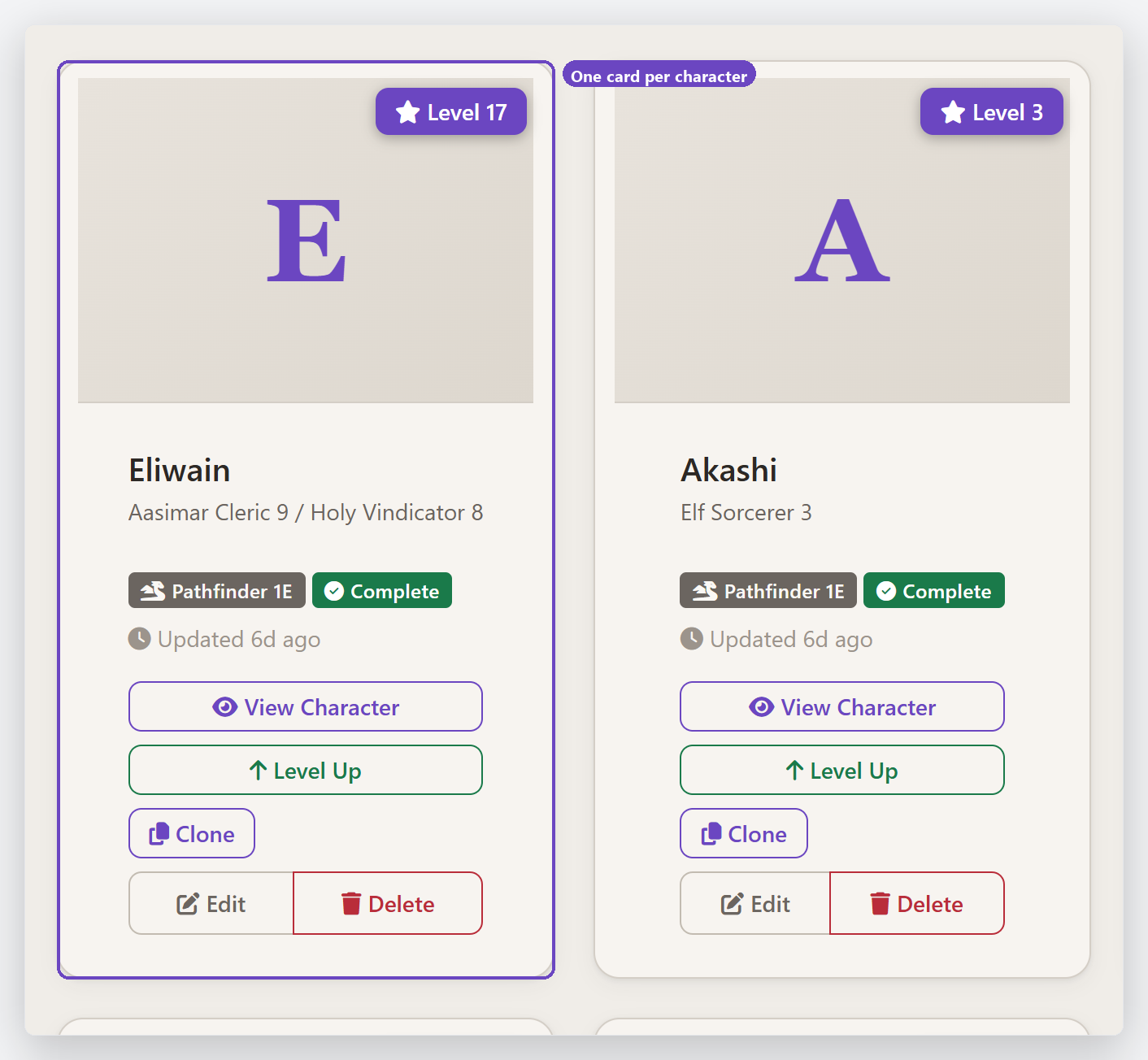
The buttons on each card let you:
- View Character — open the full sheet to play.
- Level Up — take the character to the next level with the guided level-up.
- Clone — make a full copy to experiment with (counts toward your character limit).
- Edit — revise earlier build choices.
- Delete — remove the character.
Your plan sets how many characters you can keep. The free tier includes up to three; upgrade any time for more.
Last updated July 31, 2026