Campaign Management
A campaign is more than a party list. This is the place the NPCs, session log, maps, house rules and private notes live, with per-item visibility so the things your players should not know yet stay that way until you decide otherwise.
- NPCs with staged reveals
- Per-note visibility control
- Session log and world calendar
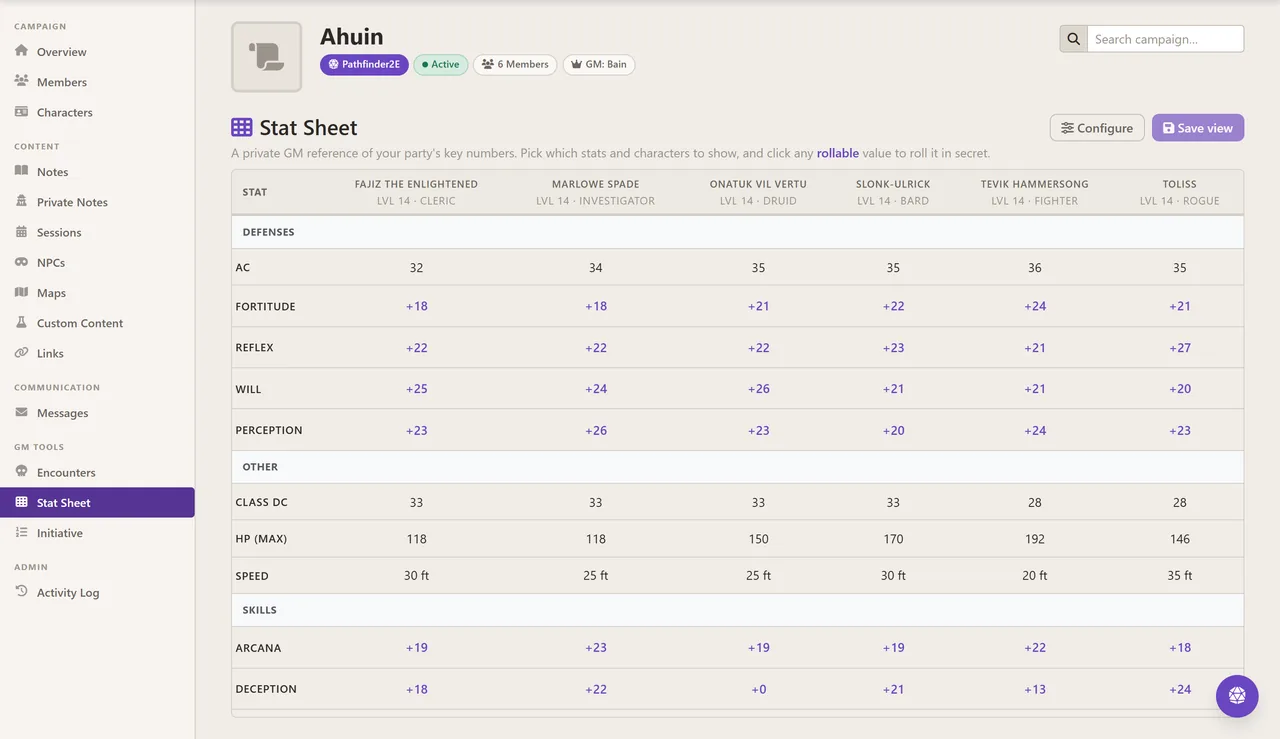
- Party-wide GM stat sheet with secret rolls
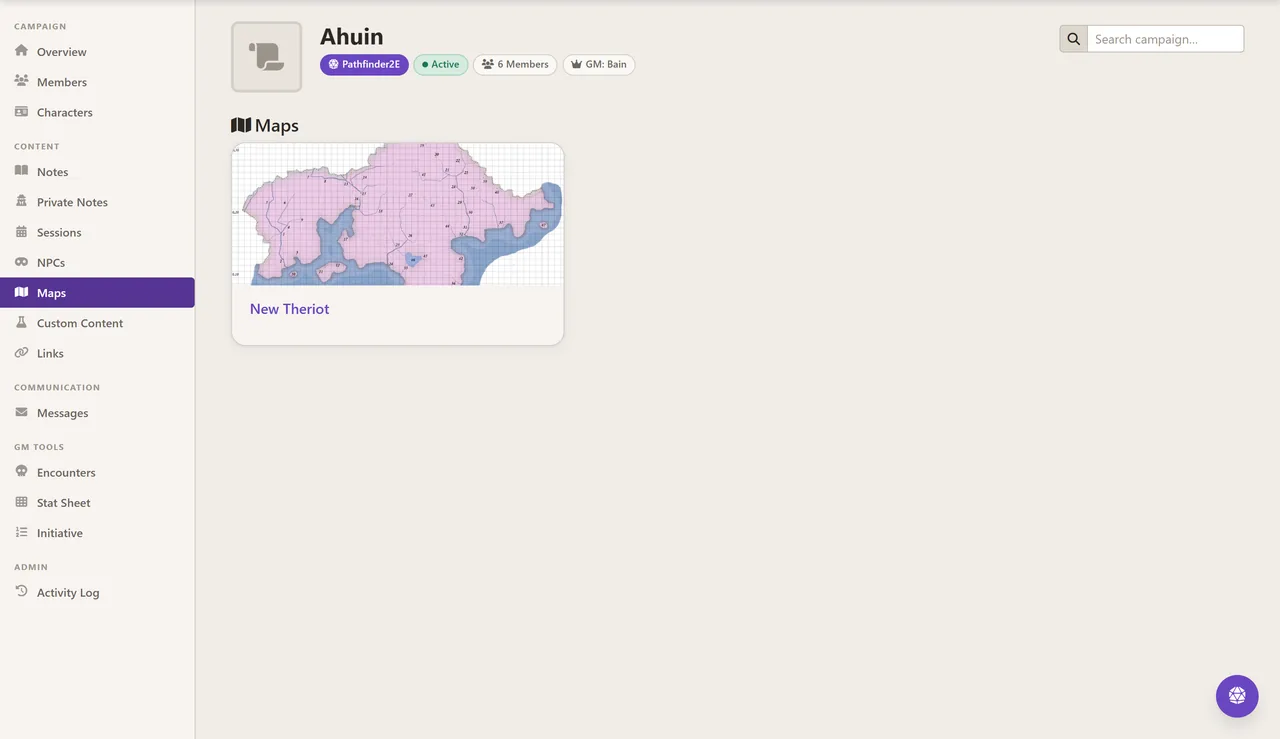
- Map uploads and campaign links
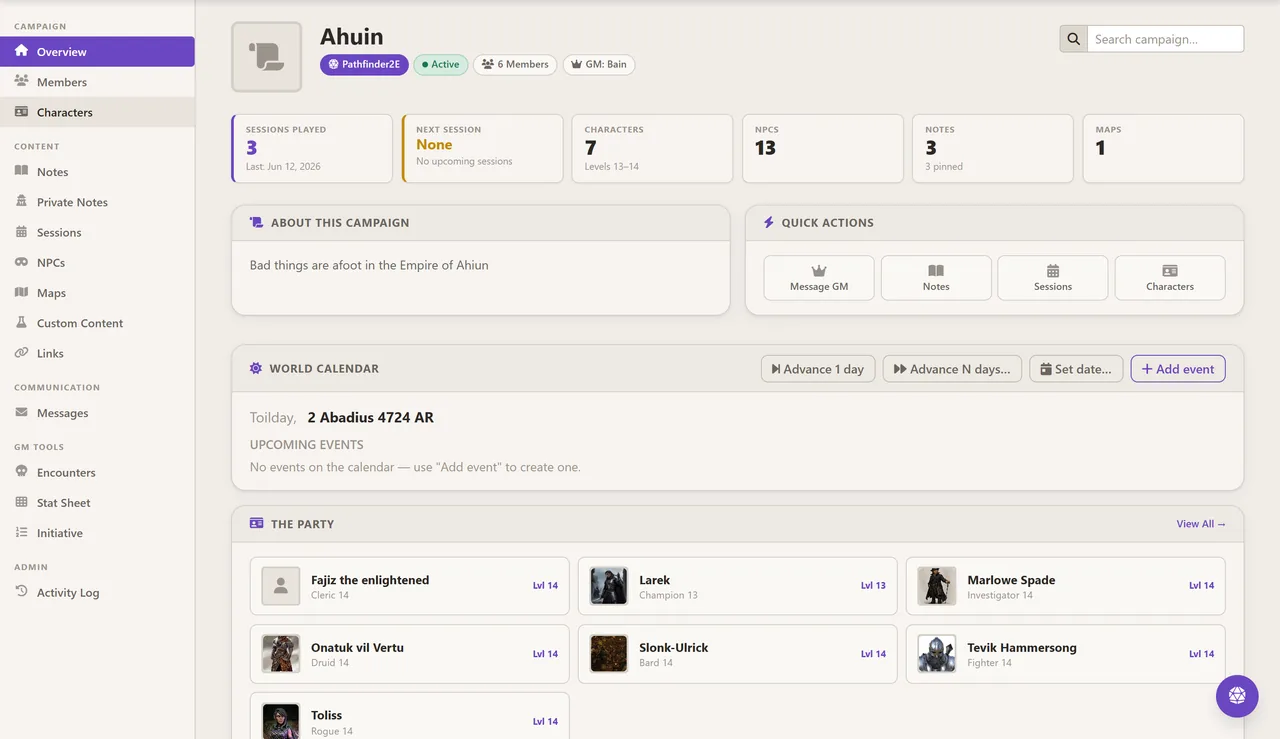
Your party at a glance
The dashboard opens on what you need before a session: how many sessions you have played, when the next one is, who is in the party and at what level, and a world calendar you can advance a day or a week at a time.
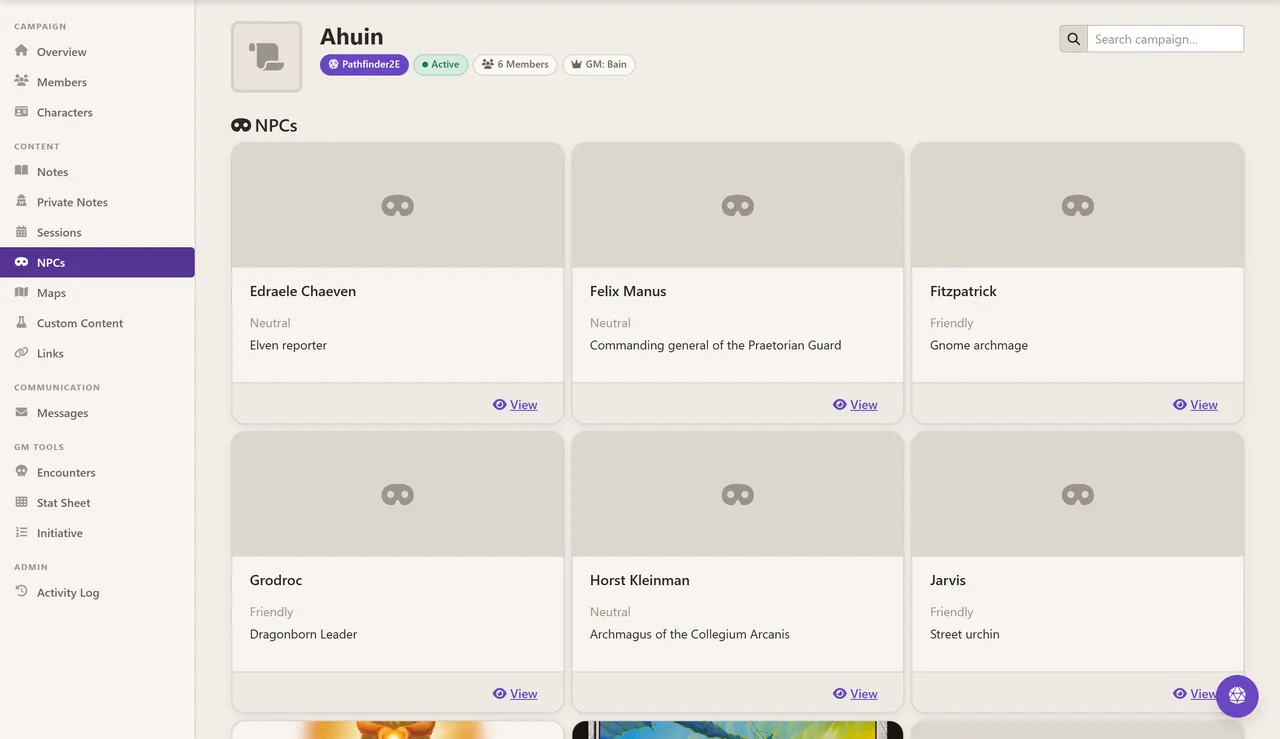
NPCs the party meets when you say so
Keep the whole cast in one place with their disposition and role, and reveal each one to the players at the moment they actually walk into the tavern.
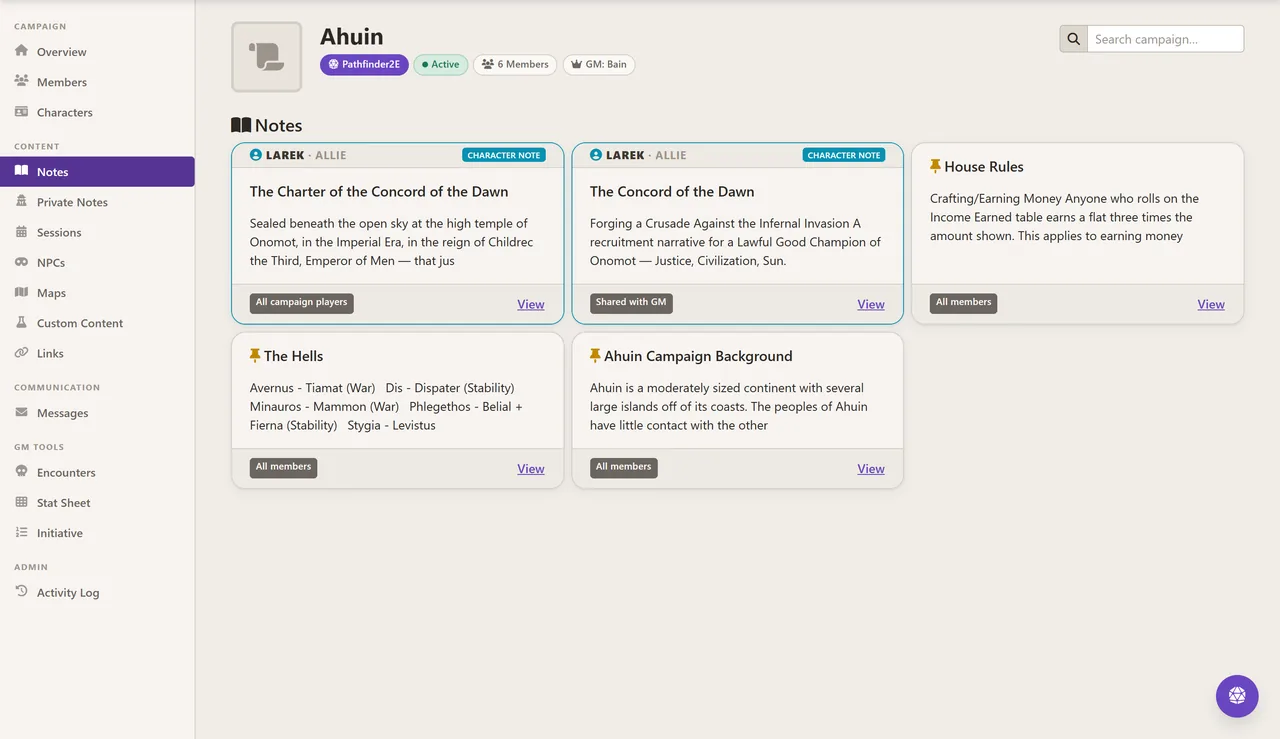
Notes that know their audience
Every note carries a visibility setting — all campaign players, shared with the GM only, or private to you. House rules go to everyone; the twist in act three does not.
- Per-note visibility, from campaign-wide to GM-only
- Character notes attributed to the player who wrote them
- A private-notes area that never leaves your account
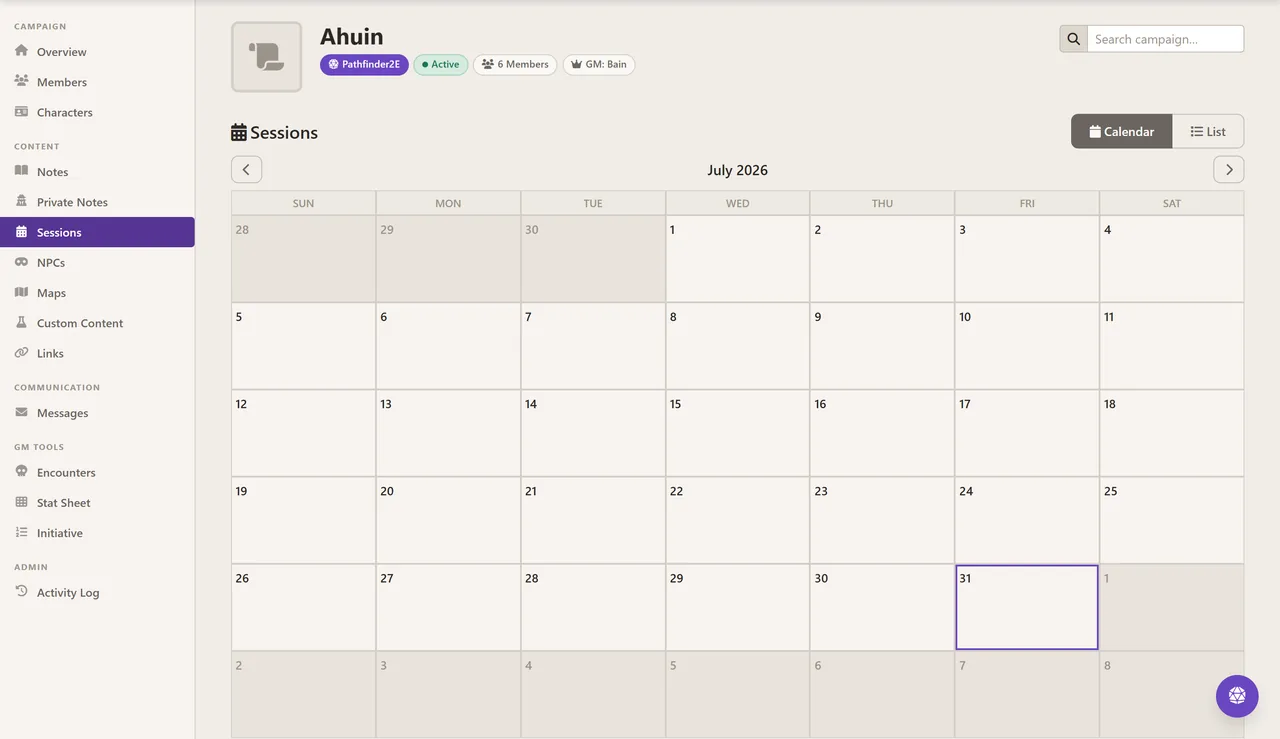
Sessions on a calendar or a list
Schedule and log sessions, then read them back either as a month view or as a run of entries, so the question of what happened last time has an answer.
The party's key numbers on one screen
The GM stat sheet puts the whole party side by side — armour class, saves, perception, class DC, hit points, speed and the skills you care about — and lets you roll a value in secret instead of asking the table for a number they can hear.
Maps and links
Upload the maps you use and keep the campaign's external links — the shared drive, the playlist, the pantheon wiki — attached to the campaign rather than lost in a chat channel.
Try it on a real character
The free plan is a real plan, not a trial — build a character and see whether it earns a place at your table.